01Choose your
Choose your
connection
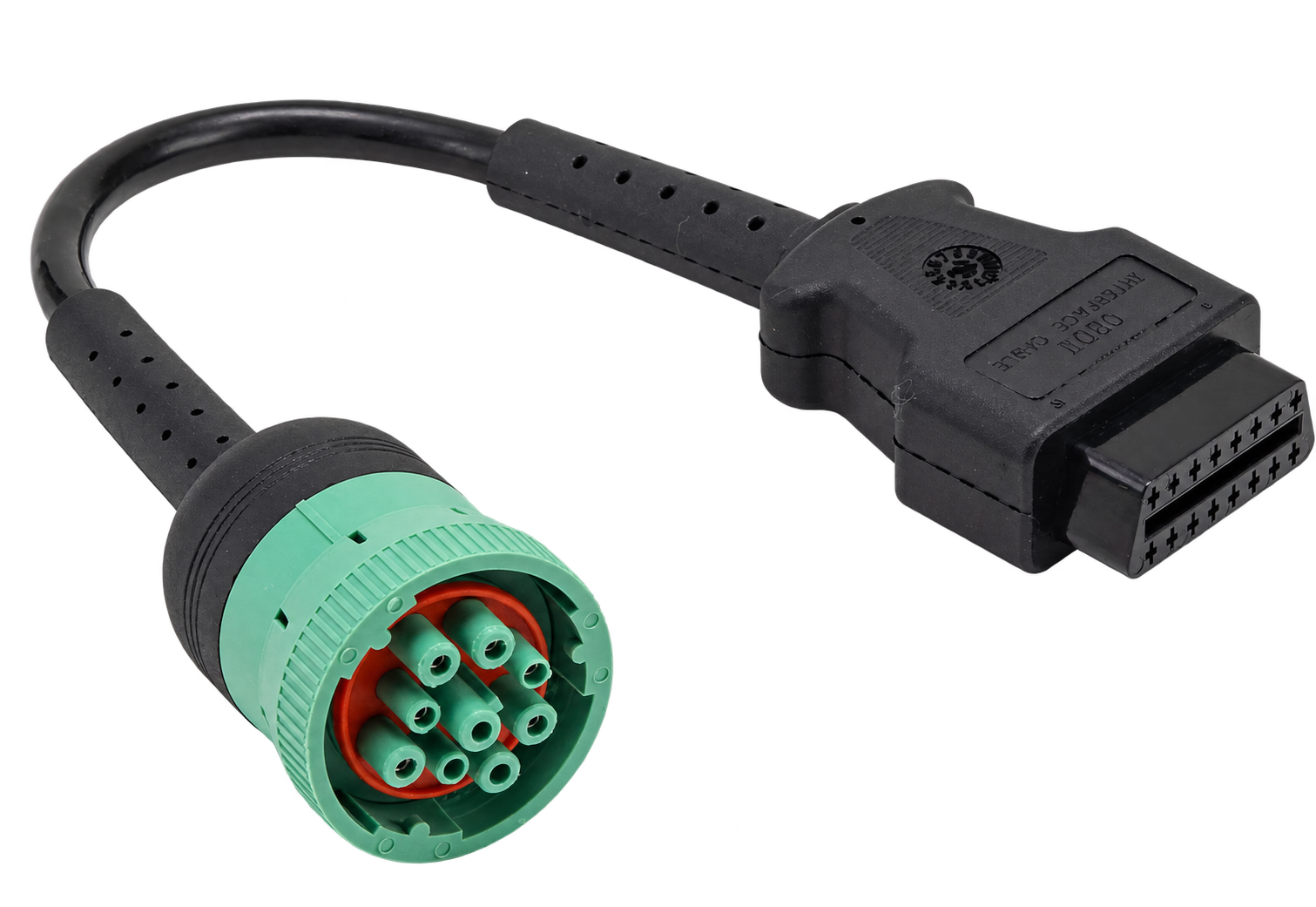
For 2013+ diesel or 2018+ alternative-fuel engines, match the cable and supported protocol to your truck.

Connect / Test / Confirm
Remote testing connects a compatible truck to a testing service. Here is what happens—and what remains in your hands.
Get up and running in a few simple steps.
For 2013+ diesel or 2018+ alternative-fuel engines, match the cable and supported protocol to your truck.
Follow the supplied instructions to connect your E-ZCARB and activate your service.
Run scheduled or requested tests, review the result and arrange a retest after repairs or restored readiness.
The device must be correctly installed, activated and able to communicate. Tell the provider if the diagnostic port is shared with other equipment.
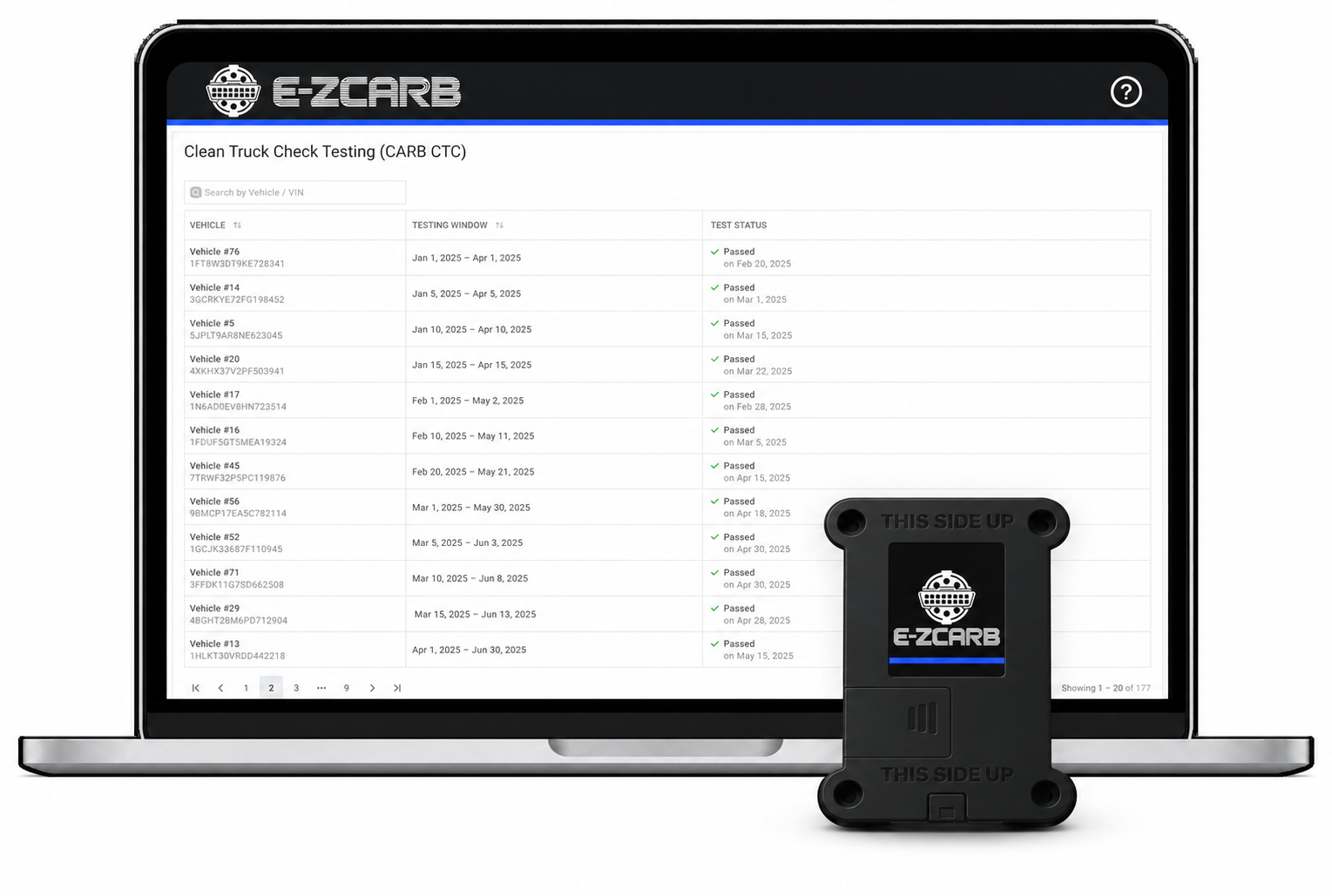
The device collects the same required emissions diagnostic information used for an OBD test; the connected service submits it remotely. Use the portal to manage scheduled tests and request an additional test when needed.
Check the vehicle’s official CTC-VIS record. If a result is missing, ask whether data collection, submission or processing needs attention.
Keep registration, fees and vehicle details current. Resolve repairs and any separate compliance issues; a testing subscription does not replace them.